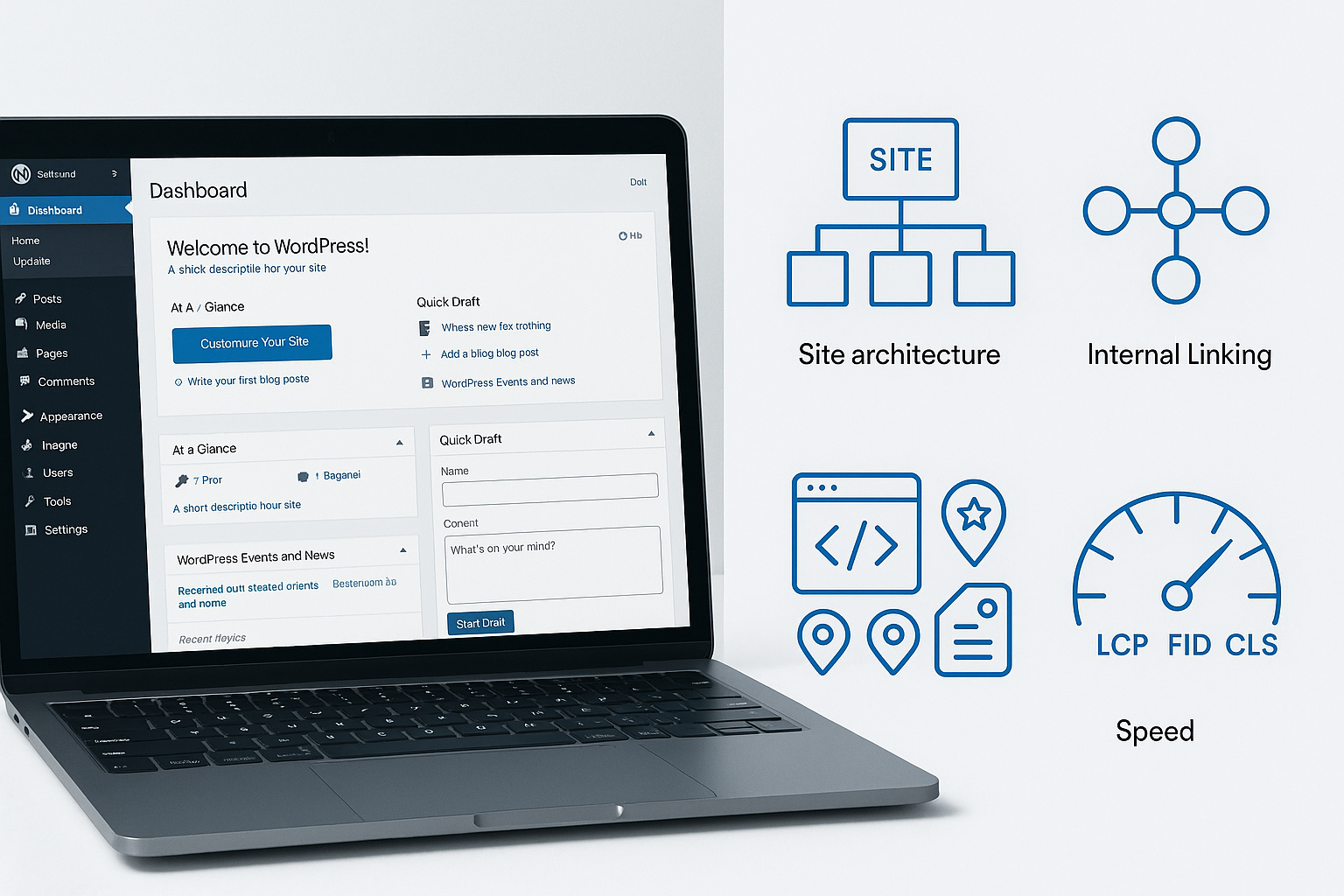

SEO for WordPress is having a moment again, but not for the old reasons. The current wave is not about squeezing one more keyword into a title tag or installing another plugin and hoping rankings improve. The hot trend is more structural: faster sites, cleaner content systems, smarter indexation, stronger entity signals, and pages that satisfy both search intent and business goals.
That matters because WordPress still powers a huge share of the web, and it remains one of the most flexible publishing platforms available. But flexibility cuts both ways. A WordPress site can become an organic growth engine, or it can slowly fill up with duplicate archives, bloated templates, weak internal links, and pages that never had a clear role in search to begin with.
The brands pulling ahead are treating WordPress less like a CMS and more like an SEO operating system. They are simplifying themes, controlling crawl paths, tightening taxonomy, enriching pages with relevant structured data, and building content hubs that make sense to both users and search engines. If you want modern SEO for WordPress to work, that is the shift to pay attention to.
Why SEO for WordPress is a hot trend right now
Search visibility has become more demanding. It is not enough to publish often or optimize a handful of blog posts. Rankings increasingly reflect whether a site is technically clean, topically organized, commercially relevant, and easy to interpret at scale. WordPress gives site owners control over all of those areas, which is exactly why the platform is back in focus.
In practical terms, the strongest WordPress sites now do several things well at once:
- They keep the front end lean so pages load quickly and consistently.
- They build topic clusters instead of isolated articles.
- They use a disciplined internal linking strategy to distribute authority.
- They manage indexation so low-value URLs do not compete with important pages.
- They add clear structured data where it helps search engines understand page purpose.
- They align informational content with commercial pages instead of treating them as separate worlds.
The trend, then, is not one tactic. It is convergence. The modern advantage in SEO for WordPress comes from connecting technical quality, content design, and conversion intent inside one coherent system.
| Trend | What it means for WordPress | Priority |
|---|---|---|
| Lean performance | Reduce theme and plugin bloat, improve template efficiency, optimize media delivery | High |
| Topic architecture | Organize content into hubs, clusters, and clear parent-child relationships | High |
| Indexation control | Keep thin, duplicate, and utility URLs out of the index where appropriate | High |
| Structured understanding | Use schema to clarify page type, business details, products, articles, and FAQs where relevant | Medium |
| Commercial alignment | Connect blog content to money pages with intent-aware internal links and calls to action | High |
SEO for WordPress starts with the stack
If a site is slow, unstable, or weighed down by unnecessary functionality, every other SEO improvement becomes harder to realize. That is why one of the hottest shifts in WordPress SEO is a return to technical simplicity.
Use fewer, better WordPress SEO plugins
Many sites accumulate plugins over time until the CMS becomes an obstacle rather than an advantage. Some overlap in purpose. Some inject scripts and CSS on every page whether needed or not. Some create indexable URLs or markup patterns that were never reviewed from an SEO perspective.
That does not mean plugins are bad. It means they need governance. The best-performing WordPress builds usually choose a tight stack and make every plugin justify its place. For WordPress SEO plugins, the key question is not how many features they offer. It is whether they help you produce cleaner metadata, schema, sitemap control, redirects, and indexing directives without bloating the site or complicating workflows.
A useful plugin stack supports SEO operations. A careless one creates technical debt.
Treat Core Web Vitals as publishing standards
Core Web Vitals WordPress work is often framed as a developer issue, but it is also an editorial and operational issue. Heavy hero sections, oversized images, autoplay embeds, animation-heavy page builders, and cluttered ad or form placements all influence performance.
For better site speed optimization WordPress teams should review:
- Theme weight and template complexity
- Unused plugin assets loading sitewide
- Image dimensions, formats, and compression
- Lazy loading configuration for below-the-fold media
- Font loading behavior and variations
- Server response time and caching setup
The trend here is clear: speed is no longer a nice technical refinement. It is part of the content experience. If WordPress pages feel heavy, rankings and conversions both suffer.
Site architecture is becoming the ranking multiplier
One of the most important changes in modern SEO for WordPress is that architecture now acts as a ranking multiplier. Strong pages perform better when they live inside a strong structure. Weak structures waste otherwise good content.
Build topic clusters, not content islands
Publishing random posts around a broad niche is rarely enough. Search engines reward sites that show depth, coverage, and clarity. In WordPress, that means organizing content into logical clusters around themes that matter to your audience and your business.
A good cluster often includes:
- A pillar page that defines the main topic
- Supporting articles that answer narrower questions
- Comparison or alternative pages for evaluation-stage intent
- Glossary or explainer pages that capture definition-based queries
- Commercial pages that serve visitors ready to take action
WordPress is especially effective here because categories, parent pages, related content modules, breadcrumbs, and navigational blocks can all reinforce the topical relationship between URLs. The trend is toward deliberate structures, not accidental archives.
Turn internal linking strategy into a system
A strong internal linking strategy is one of the fastest ways to improve discoverability, topical context, and traffic distribution across a WordPress site. Yet many sites still rely on ad hoc links added only when an editor remembers.
That approach leaves a lot on the table. Internal linking should be planned at the template level and the editorial level. High-value pages should receive prominent contextual links from relevant articles. Cluster content should point back to pillar pages. Category hubs should guide users into subtopics. Older posts should be refreshed with links to newer assets where relevant.
Done well, internal links help search engines understand which pages matter most and how topics connect across the site. Done poorly, they create orphan pages, diluted equity, and confused user journeys.
Keep categories and tags disciplined
Taxonomy sprawl remains a classic WordPress problem. Too many categories, thin tag archives, overlapping labels, and inconsistent naming conventions can generate indexable clutter that adds little value. The more a site grows, the more this matters.
As a rule, categories should represent meaningful sections with editorial intent. Tags should be used sparingly, if at all, and only when they create genuinely useful navigation. If a taxonomy archive does not provide a distinct user benefit, it may not deserve indexation.
This is where architecture and technical SEO for WordPress meet. Clean taxonomy decisions improve both user experience and crawl efficiency.
Technical SEO for WordPress now depends on indexation control
Modern technical SEO for WordPress is increasingly about deciding what should be discoverable, crawlable, and indexable. WordPress can generate many URL types by default: author pages, date archives, search result pages, media attachment pages, filtered parameters, paginated archives, and more. Not all of them deserve a place in the index.
When too many low-value URLs remain open, search engines spend time on pages that do not strengthen the site. More importantly, important pages can become harder to prioritize and interpret.
Review your indexation rules page type by page type
Instead of applying one blanket setting, review the role of each template and archive. Ask simple questions:
- Does this page target a unique search intent?
- Would a user find it useful if it ranked on its own?
- Does it duplicate or fragment content that exists elsewhere?
- Does it deserve links from navigation or only from utility paths?
Common areas to review on WordPress sites include:
- Thin category, tag, or author archives
- Internal site search URLs
- Attachment pages with no standalone value
- Parameter-based faceted URLs on large content or ecommerce sections
- Outdated paginated archives that collect little direct demand
Use your WordPress sitemap intentionally
A WordPress sitemap should act as a clean signal of index-worthy URLs, not a dumping ground for every template the CMS can generate. If sections are set to noindex, make sure the sitemap reflects that logic. If archived or deprecated content is no longer strategic, remove the noise. A well-maintained sitemap helps reinforce your idea of what the site should rank for.
Canonical tags, redirects, noindex directives, and sitemap inclusion should all work together. When they do, WordPress becomes far easier to scale from an SEO standpoint.
Schema markup WordPress owners can trust
Schema markup WordPress implementation has matured. The goal is no longer to add as much markup as possible. The goal is to add the right markup cleanly and consistently so page purpose is obvious.
For most sites, that means focusing on structured data that supports core page types, such as:
- Organization or local business details
- Article markup for editorial content
- Product markup for commerce pages
- Breadcrumb markup for site hierarchy
- FAQ markup only where the content clearly warrants it
The best practice is to map schema to template logic. Product pages should inherit product-related fields. Article templates should output article-related properties. Breadcrumbs should reflect the actual hierarchy. That is cleaner than manually patching schema page by page.
It is also worth reviewing whether multiple plugins or theme functions are outputting overlapping markup. Conflicting structured data is a common WordPress issue and an avoidable one.
Content formats winning more search visibility on WordPress
The current trend cycle also rewards certain content formats more than others. Generic blog posts still have value, but the strongest WordPress content strategies now combine educational and commercial formats much more deliberately.
Give commercial pages real SEO attention
Too many sites invest most of their optimization effort into blog content while leaving service, category, solution, or feature pages thin and underdeveloped. That is a missed opportunity. Some of the most valuable organic traffic lands on pages with direct commercial intent, and WordPress can support those pages extremely well when templates are built thoughtfully.
Strong commercial pages usually include:
- Clear intent alignment in titles and headings
- Useful copy that answers evaluation-stage questions
- Strong internal links from related educational content
- Clean metadata and structured data where appropriate
- Visible next steps for conversion
This is where on-page SEO WordPress work becomes more strategic. The page should not just rank. It should help the visitor decide.
Do not overlook image and media search
Another important shift is the growing importance of media optimization. WordPress publishers often upload images at scale, but image SEO remains inconsistent. File names, alt text, captions, contextual relevance, compression, and responsive delivery all matter.
If your site depends on visual content, product imagery, charts, screenshots, or step-by-step tutorials, image search can become a meaningful discovery channel. The same goes for video pages when transcripts, supporting copy, and on-page context are handled well.
Media should support the page, not slow it down. That balance is central to modern SEO for WordPress.
The most common on-page SEO WordPress mistakes in this trend cycle
Even strong sites lose momentum when basic execution slips. The most frequent issues now are less about missing keywords and more about weak systems.
- Publishing multiple articles that target the same intent without a consolidation plan
- Using vague category names that do not help users or search engines understand topical focus
- Leaving old posts unrefreshed while newer pages compete for the same queries
- Relying on auto-generated excerpts and archive text with little editorial value
- Creating long pages with weak heading structure and poor scanability
- Ignoring internal links from high-authority legacy content
- Letting page builder design choices outweigh performance needs
- Treating metadata as a final checklist rather than part of page positioning
The fix is rarely glamorous, but it is effective: better editorial standards, tighter templates, clearer ownership, and regular content maintenance.
A practical 90-day SEO for WordPress plan
If you want to act on these trends without overcomplicating the process, start with a focused ninety-day plan. The goal is to improve the system before you scale output.
| Phase | Focus | Key actions |
|---|---|---|
| Days 1 to 30 | Audit and cleanup | Review plugins, theme performance, indexation rules, sitemap quality, template metadata, archive usefulness, and internal link gaps |
| Days 31 to 60 | Architecture and priority pages | Build or refine topic clusters, improve category logic, strengthen commercial pages, and refresh internal links across core content |
| Days 61 to 90 | Scale what works | Standardize schema by template, create content briefs by cluster, refresh decaying pages, and publish new assets where coverage is thin |
This sequence works because it addresses the real trend in SEO for WordPress: quality of system before quantity of pages. Once the foundation is cleaner, every new article, landing page, or category update has a better chance to perform.
Need help turning these WordPress SEO trends into action?
If your WordPress site has grown messy, slow, or hard to scale, a focused SEO partner can save months of trial and error. Rabbit SEO helps teams identify what is actually holding rankings back, from indexation and architecture to content prioritization and technical cleanup. If you want a clearer path from WordPress complexity to organic growth, this is a strong time to get expert eyes on the site.
Conclusion: SEO for WordPress is now a system, not a setting
The hottest shift in SEO for WordPress is the move away from isolated tactics and toward integrated site quality. Performance, architecture, schema, indexation, internal links, and commercial alignment now work best when they are planned together. That is why some WordPress sites keep gaining momentum while others plateau despite steady publishing.
If you want better results, start by simplifying the stack, clarifying site structure, protecting crawl budget, and upgrading the pages that matter most to revenue. Do that consistently, and SEO for WordPress becomes less about chasing tricks and more about building a search-ready website that can keep compounding over time.