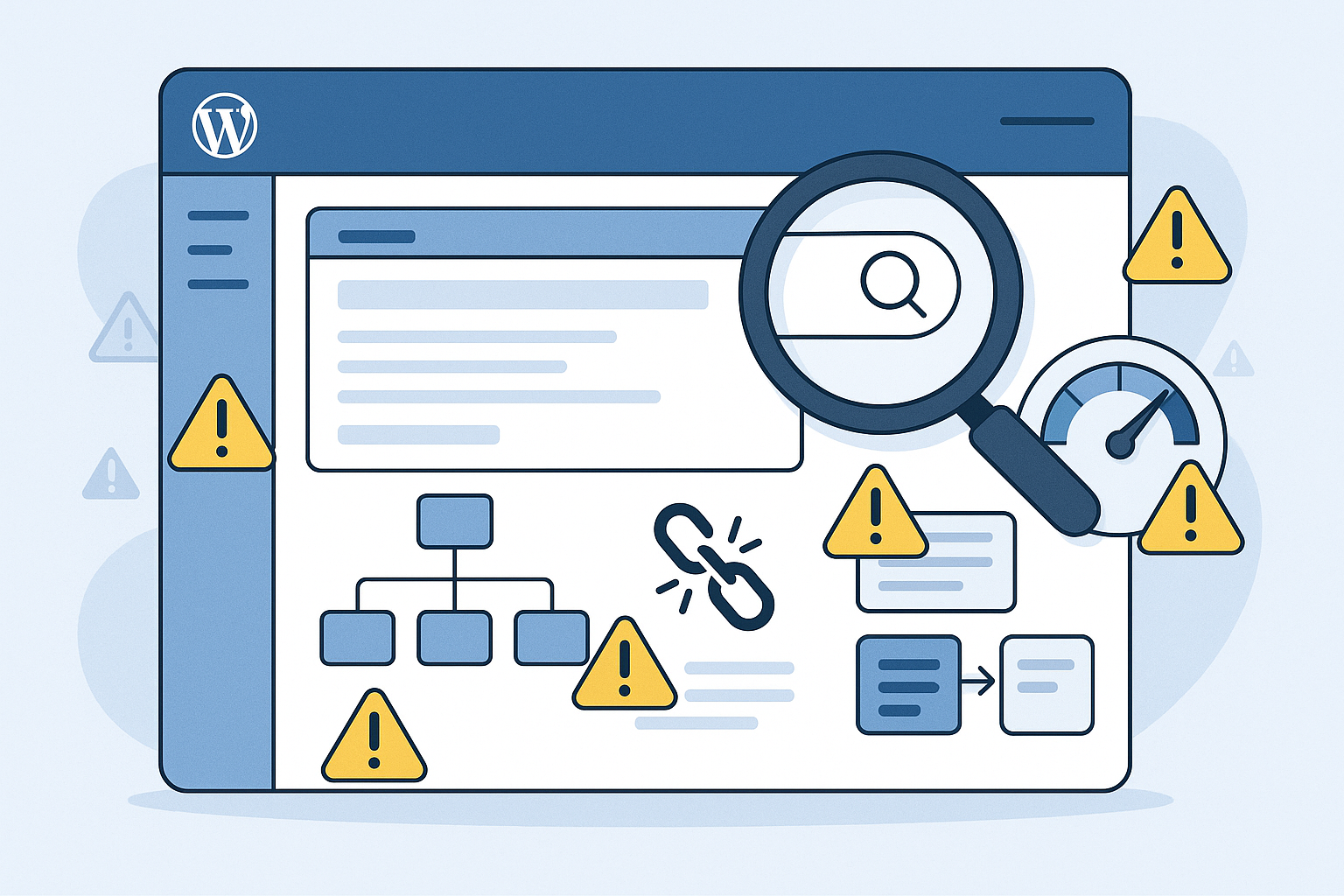

When people talk about SEO for WordPress, the conversation often gets reduced to plugins, metadata fields, and a few checklist items. In real case-study reviews, the pattern is very different. The sites that underperform are rarely blocked by a single dramatic issue. They are held back by a stack of avoidable mistakes that compound over time: too many low-value URLs, weak internal linking, template-level speed problems, careless migrations, and content that never truly matches search intent.
This article is built in a case-study format, but not around a single brand name or a dramatic turnaround story. Instead, it reflects the recurring issues that show up again and again in WordPress audits and recovery work. That makes it more useful for most site owners, marketers, and publishers, because the goal is not to admire a one-off success. The goal is to recognize the warning signs before they become expensive.
If you want better SEO for WordPress, the biggest wins usually come from avoiding the predictable mistakes early and fixing them in the right order. Below are the eight errors that most often create ranking drag on otherwise solid WordPress sites.
Why SEO for WordPress so often underperforms
WordPress is flexible, which is exactly why it can become messy. Themes, builders, plugins, custom post types, category structures, media pages, and migration history all affect crawlability and search performance. A site can look polished on the front end while quietly creating hundreds of low-value URLs, duplicate signals, and inconsistent templates in the background.
In case-study reviews, the same lesson keeps appearing: WordPress does not create SEO success by default. It creates options. If those options are unmanaged, they turn into friction. If they are governed well, WordPress becomes one of the most scalable publishing platforms available.
| Mistake | How it usually appears | What it hurts first |
|---|---|---|
| Treating plugins as the whole strategy | Titles are filled in, but architecture and indexing are ignored | Organic visibility and crawl efficiency |
| Uncontrolled indexation | Tags, searches, attachment pages, and thin archives get indexed | Site quality signals and crawl budget |
| Weak internal linking | Important pages sit too deep or become orphaned | Authority flow and discoverability |
| Poor search intent alignment | Posts target topics broadly without solving the query clearly | Rankings, engagement, and conversions |
| Technical conflicts | Plugins, themes, or builders output duplicate signals | Indexing, canonicals, and metadata consistency |
| Slow templates | Heavy themes, oversized media, and bloated scripts | User experience and Core Web Vitals |
| Weak migration discipline | Changed URLs without redirects or canonical review | Traffic retention and page equity |
| Thin archives and templates | Category or service pages exist but say almost nothing useful | Topical authority and conversions |
Mistake 1: Treating SEO for WordPress as a plugin setup task
One of the most common failures in SEO for WordPress is assuming the job is mostly done once a plugin is installed. Strong WordPress SEO plugins are helpful, but they are not a strategy. They do not decide which URLs deserve indexing, how your content clusters should connect, whether taxonomies are useful, or whether your templates create thin pages at scale.
In case-study reviews, this usually shows up on sites where every post has a custom title tag and meta description, yet the broader site still struggles. Why? Because search performance depends on structure as much as fields. A plugin can help format metadata, generate an XML sitemap WordPress site owners can submit, and handle some technical settings. It cannot repair unclear information architecture or a content plan with no intent mapping.
The better approach is to treat plugins as implementation tools inside a larger WordPress SEO checklist. Start with what should rank, what should be indexed, and how authority should flow through the site. Then configure plugins to support that plan.
Mistake 2: Letting indexation expand far beyond what deserves to rank
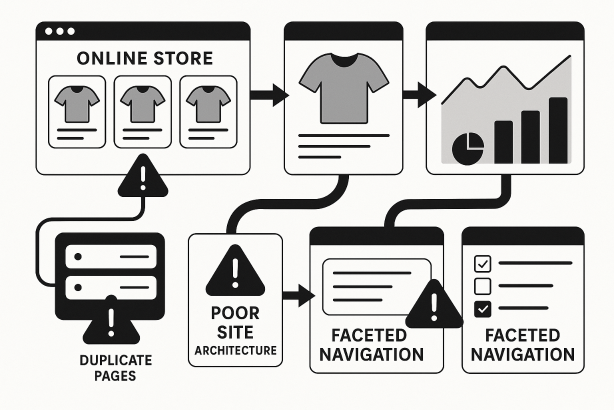
WordPress makes it easy to publish URLs. It is not always selective about whether those URLs should be discoverable in search. Across audits, indexation bloat is one of the most persistent problems. Tag archives, date archives, author pages, search result URLs, attachment pages, paginated archives, filter variations, and near-empty category pages often end up competing for crawl attention without adding real value.
This is where technical SEO for WordPress matters far more than many teams expect. Search engines do not reward a site for generating more pages. They reward sites that make their important pages obvious and their low-value pages easy to ignore.
Signs of indexation bloat include:
- Multiple archive layers targeting the same topic with slight variations
- Tags created casually and used only once or twice
- Attachment URLs that add no original content
- Search or filter pages appearing in the index
- Sitemaps that include pages with no strategic purpose
The fix is not to noindex everything blindly. It is to make deliberate choices. Keep archives that serve a genuine user and search purpose. Consolidate or retire the ones that do not. Your sitemap should reflect priority, not clutter.
Mistake 3: Building content without a clear internal linking strategy
Many WordPress sites publish steadily but still fail to create momentum because their content lives in isolation. A strong internal linking strategy is one of the clearest differences between sites that gradually build authority and sites that remain a pile of disconnected posts.
In case-study reviews, the pattern is familiar: a site has useful content, but important commercial pages are buried, supporting articles do not point consistently to pillar pages, and older content is never updated with links to newer assets. The result is weak topic signaling and poor authority distribution.
For effective on-page SEO for WordPress, internal linking should be planned at the template and editorial level. Category pages should connect to cornerstone assets. Blog posts should point upward to commercial or strategic pages where relevant. New articles should be added into existing clusters, not published as standalone ideas.
Practical rules help:
- Make your most important pages reachable within a shallow click depth
- Use descriptive anchor text without over-optimizing it
- Link from high-authority pages to pages that need support
- Review orphaned content regularly
- Update older posts when new pages are launched
WordPress is excellent for content production, but without deliberate internal links, scale can actually weaken clarity.
Mistake 4: Publishing content that does not match search intent
A surprising number of WordPress sites are technically clean enough to compete, but they still underperform because the content itself misses the query. This is not a plugin issue or a theme issue. It is a targeting issue.
In practical terms, this means publishing a broad blog post when the query really calls for a product page, a service landing page, a comparison page, or a tightly structured guide. It also means producing several articles around closely related terms without distinguishing the purpose of each page, which creates cannibalization.
Better SEO for WordPress starts before writing. Ask:
- What kind of page is already ranking for this term?
- Is the searcher learning, comparing, or buying?
- Do we already have another URL serving this intent?
- Can this topic strengthen an existing cluster instead of creating a new silo?
WordPress makes publishing easy, which can encourage volume for its own sake. In strong case-study outcomes, the turning point is often not more content, but better mapped content with a clearer job.
Mistake 5: Allowing themes, builders, and plugins to create conflicting SEO signals
Another recurring issue in technical SEO for WordPress is signal conflict. Different plugins may try to control the same output. Themes may inject schema or metadata that overlaps with the SEO plugin. Page builders may alter heading structure, lazy loading behavior, or canonical handling in ways that are not obvious during content publishing.
Common conflict areas include:
- Duplicate title tag or meta description output
- Competing canonical tags
- Multiple schema layers saying different things
- Incorrect noindex settings inherited by templates
- Sitemaps generated from more than one source
This is why a plugin stack should be reviewed as a system, not feature by feature. More tools do not automatically mean better SEO. Often the healthiest WordPress setups are the ones with fewer overlapping responsibilities and cleaner ownership of metadata, schema, redirects, caching, and image handling.
If your site uses a custom theme or several growth plugins, run a periodic governance review. A technically stable stack is easier to scale and far less likely to create invisible ranking friction.
Mistake 6: Ignoring WordPress site speed until after rankings stall
Performance problems are rarely caused by one giant mistake. On WordPress sites, they usually come from accumulation: a heavy theme, a visual builder used everywhere, oversized images, unnecessary scripts, excessive font requests, and plugins that each add a little more weight. Eventually, the site feels fine to the team that built it, but slow to real users.
WordPress site speed affects usability first, but it also shapes search performance indirectly through crawl efficiency, engagement, and page experience. When key templates are bloated, every new page inherits the problem.
A better path is to treat speed as a template-level discipline:
- Compress and size images appropriately before upload
- Audit global scripts, not just page-level assets
- Use only the plugins you genuinely need
- Check how page builders affect DOM size and render behavior
- Review category, post, and landing page templates separately
For many teams, improving Core Web Vitals WordPress performance is not about chasing perfection scores. It is about removing recurring waste so every page starts from a lighter foundation.
Mistake 7: Mishandling URL changes, redesigns, and migrations
Some of the most painful losses in case-study reviews happen after a redesign or platform cleanup. Slugs change, category structures move, trailing slash rules shift, old media URLs disappear, or multiple pages are merged without a redirect plan. The new site may look better and even load faster, but traffic weakens because old equity was not carried forward properly.
WordPress teams often underestimate how many URLs a site has generated over time. Blog posts, archives, media pages, landing pages, and taxonomy paths can all be affected by a redesign.
Before any launch, review:
- Which URLs are changing and why
- Whether one-to-one redirects exist for valuable pages
- Whether canonicals reflect the new final destinations
- Whether internal links still point to legacy paths
- Whether the sitemap contains only current, indexable URLs
Migration discipline is not glamorous, but it protects the value already built. Good SEO for WordPress is cumulative. Careless URL changes reset progress.
Mistake 8: Leaving category, archive, and commercial pages too thin to compete
WordPress sites often put most editorial effort into blog posts while leaving the pages that matter most commercially underdeveloped. Category pages may be little more than a title and a feed of excerpts. Service pages may look sleek but offer minimal substance. Product-related pages may rely on design blocks instead of real copy, structure, and relevance.
In case-study reviews, this creates a familiar imbalance: the site publishes regularly, but the pages closest to conversion remain too thin to rank well or to persuade users once they arrive.
Stronger on-page SEO for WordPress means upgrading the templates that carry the business value. That can include:
- Adding useful introductory copy to category pages
- Improving headings and subheadings for clarity
- Including internal links to related subtopics and key offers
- Clarifying differentiators, process, or use cases on commercial pages
- Ensuring archive pages are curated, not merely automated listings
Not every archive should rank. But the ones that should need a job, a structure, and enough substance to deserve visibility.
A practical recovery sequence for SEO for WordPress
When several of these mistakes exist at once, the temptation is to fix everything in parallel. That usually slows progress. A better sequence is:
- Clean indexation first. Decide what should be indexable and remove obvious clutter.
- Stabilize technical ownership. Reduce plugin conflicts and confirm one clear source for metadata, canonicals, schema, and sitemaps.
- Improve site architecture and internal links. Make priority pages easier to discover and support.
- Refine intent and consolidate overlapping content. Stop publishing pages that compete with each other.
- Upgrade key templates. Improve commercial pages, category pages, and any archive meant to rank.
- Address speed at the system level. Remove repeated template and asset inefficiencies.
- Protect existing equity. Audit redirects and canonical rules whenever URLs change.
This order helps because it aligns effort with impact. There is little value in writing more content if the wrong pages are indexed, your authority flow is weak, or your technical signals are inconsistent.
Need a sharper WordPress SEO roadmap?
If your site has grown over time, chances are the problems are not isolated to one page or one plugin. Rabbit SEO can help you audit the structure, indexation, content targeting, and technical setup of your WordPress site so you can prioritize fixes that actually move the business forward. If you want a cleaner roadmap instead of another generic checklist, explore Rabbit SEO and turn your WordPress stack into a search asset.
Final takeaway: great SEO for WordPress is operational, not cosmetic
The strongest lesson from repeated case-study reviews is simple: SEO for WordPress is rarely won by doing one thing brilliantly and ignoring the rest. It is won by avoiding the avoidable mistakes that quietly erode performance over time. Clean indexation, clear intent, reliable technical signals, fast templates, disciplined redirects, and strong internal links are what turn WordPress from a publishing system into a growth system.
If you want more from SEO for WordPress, do not start with extra output. Start with better control. That is where the real gains usually begin.