Choosing SEO tools is easy when you only need rankings and keyword ideas. Choosing SEO tools for technical SEO is different. Once you are responsible for crawlability, indexation, internal linking, duplicate content, redirect chains, page speed, and migration QA, the wrong platform becomes expensive fast.
The best technical SEO stack is rarely one all-in-one product. In most cases, it is a deliberate mix of crawling, validation, monitoring, and reporting tools that fit the size of your site and the way your team works. This commercial comparison focuses on what buyers actually need to know: where each tool is strongest, where it falls short, and which type of team should shortlist it.
If you are comparing SEO tools for a business site, ecommerce store, publisher, or agency workflow, start with a simple rule: buy for repeatable technical tasks, not for impressive demos. That mindset will save more time and budget than any long feature list.
How to compare SEO tools for technical SEO
Technical SEO tools should help you find issues, verify them, prioritize them, and communicate fixes clearly. If a platform does only one of those well, you may still need it, but you should know exactly where it belongs in your stack.
Crawl depth and diagnostics
A good site crawler should do more than list broken links. It should help you inspect status codes, canonicals, indexability, directives, internal linking patterns, pagination, duplicate elements, rendering issues, and page-level metadata at scale. For many teams, crawling depth is the first major divider between lightweight website audit tools and serious technical SEO tools.
Data sources and validation
No audit should live in a vacuum. The best SEO tools let you cross-check crawler findings against real search and performance signals. That usually means combining crawl data with Google Search Console, analytics, server logs, and page speed audit tools. A report is more useful when it shows not just what is technically wrong, but where the issue intersects with traffic, impressions, or templates.
Collaboration and prioritization
Technical SEO is rarely a solo sport. Developers, content teams, product managers, and stakeholders all need different levels of detail. Some tools are built for hands-on analysts. Others are better for packaged reports, visual explanations, or ongoing task management. The right choice depends on whether you need raw data exports, executive summaries, or a cleaner workflow between discovery and execution.
Scalability and commercial fit
Finally, assess cost against real usage. Many teams overbuy broad suites because they like the idea of having rank tracking, keyword research tools, backlink analysis tools, and site auditing in one place. That can make sense, but only if those features are genuinely used. A leaner stack often performs better when technical SEO is the main priority.
Commercial comparison of leading SEO tools
The table below compares well-known SEO tools through a technical SEO buying lens. This is not a list of every capable platform. It is a practical shortlist of tools that frequently come up during purchase decisions.
| Tool | Best for | Technical SEO strengths | Limitations | Best commercial fit |
|---|---|---|---|---|
| Google Search Console | Essential validation for every site | Indexation insights, search queries, coverage signals, URL inspection, sitemaps | Not a full crawler, limited historical depth for some workflows, limited customization | Non-negotiable baseline tool for all teams |
| Screaming Frog SEO Spider | Hands-on technical audits | Deep crawl control, custom extraction, redirects, canonicals, duplicate analysis, flexible exports | Desktop workflow can be less convenient for non-specialists or very large collaboration needs | Consultants, specialists, and in-house technical SEOs who want control |
| Sitebulb | Audits with clearer visual explanation | Strong issue presentation, intuitive reporting, useful audit guidance, good for stakeholder communication | Not always the first choice for users who want maximum crawl customization | Teams that want approachable technical reporting |
| Ahrefs | Balanced SEO workflow with strong off-page context | Site audit plus strong link data, content gap research, competitive research, keyword discovery | Technical audit depth is helpful but not a full replacement for a specialist crawler in every case | Marketing-led teams that want technical SEO inside a broader SEO platform |
| Semrush | Broad all-in-one SEO and marketing operations | Site audits, rank tracking, competitor research, reporting, content and visibility workflows | Can feel broad before it feels deep for technical specialists | In-house teams and agencies that value breadth and centralized reporting |
| JetOctopus | Large sites and log file analysis | Cloud crawling, log analysis, large-scale technical visibility, useful for enterprise diagnostics | May be more tool than smaller sites need, especially without dedicated technical ownership | Large ecommerce, publishers, and enterprise SEO teams |
| Google PageSpeed Insights | Performance checks and Core Web Vitals review | Useful page speed audit input, lab and field performance context, easy validation | Not a crawler, not an SEO suite, limited for broader technical diagnosis | Supporting tool for every team, not a standalone SEO platform |
The key pattern is simple: no single option covers every technical SEO need equally well. Search Console validates visibility and indexation. A dedicated site crawler finds structural issues. A broader suite adds rank tracking, keyword research tools, and backlink analysis tools. Performance tools support speed work. Your purchase decision should reflect that reality instead of chasing the myth of one perfect dashboard.
Which SEO tools make the most sense for different teams
Solo consultants and small businesses
If you are running technical audits yourself, the highest-value stack is usually Google Search Console + a dedicated crawler. Screaming Frog is a common first choice because it gives specialists direct control and reliable exports. Sitebulb can be attractive if you want clearer visual explanations for clients or internal stakeholders. For smaller sites, this combination often delivers more practical technical insight than paying for a broad suite you barely use.
In-house marketing teams
Many in-house teams need more than technical diagnostics. They also need rank tracking, reporting, competitor monitoring, and content planning. That is where platforms like Ahrefs or Semrush become easier to justify. The important caveat is that a broad suite should complement, not replace, technical validation. If your site has complex templates, faceted navigation, or recurring indexation issues, keep a specialist crawler in the stack.
SEO and development teams working closely together
When SEO and engineering collaborate frequently, raw detail matters. Teams in this position often care less about polished scorecards and more about exports, segmentation, render behavior, response codes, internal links, and reproducible issue patterns. A strong crawler plus Search Console is usually the backbone here, with page speed audit tools layered in for template-level performance checks.
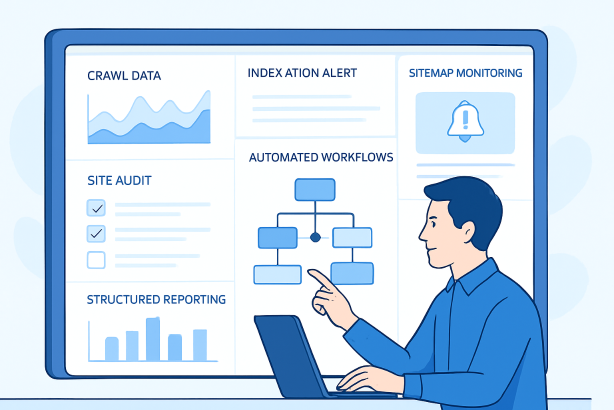
This is also the scenario where workflow simplicity matters. A platform that reduces friction between recurring audits, routine monitoring, and follow-up can be more valuable than a larger product that nobody opens consistently. That is why many teams compare focused options like Rabbit SEO alongside heavyweight suites before committing.
Large ecommerce stores and enterprise sites
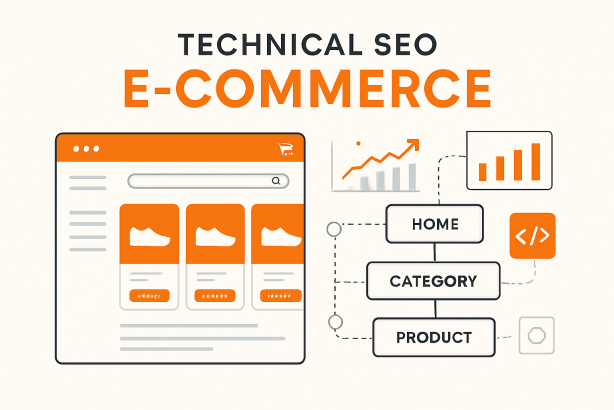
At scale, crawl efficiency and log visibility become much more important. Large catalogs, parameter-heavy URLs, and complex internal linking create problems that lightweight website audit tools may surface only partially. Enterprise teams often need cloud-based crawling, larger data handling, and log file analysis to understand how search engines actually interact with the site. In that environment, tools like JetOctopus become more relevant, while Search Console remains essential for validation.
Build your technical SEO stack without wasting budget
A smart buying strategy starts with jobs, not vendors. List the technical tasks you perform every month and map them to tools.
- For discovery: use a site crawler to uncover structural, metadata, status code, and internal linking issues.
- For validation: use Google Search Console to confirm indexation, visibility, and query-level impact.
- For broader SEO planning: add a suite with rank tracking, keyword research tools, and backlink analysis tools if those workflows matter commercially.
- For performance work: add a page speed audit tool for template review and Core Web Vitals troubleshooting.
That framework prevents a common mistake: buying an all-in-one platform and expecting it to behave like a specialist crawler, performance lab, and developer QA system at the same time. Most tools are excellent at one or two of those jobs. Very few are elite at all of them.
It also keeps your stack aligned with the category priorities of technical SEO. Technical work is about site quality, crawl paths, renderability, duplication, efficiency, and indexation control. If a tool helps you improve those areas repeatedly, it earns its place. If it mostly produces surface-level scores, it probably does not.
Questions to ask before you buy SEO tools
- Do we need deep crawling, or mostly high-level monitoring?
- Will non-specialists need to understand the output?
- Do we need a standalone site crawler in addition to a suite?
- Are rank tracking and keyword research tools important enough to pay for separately?
- Will this tool help us prioritize fixes, or only find more issues?
- Can it support the size and complexity of our site over the next year?
- Will the team actually use it every week?
Those questions matter more than brand recognition. In technical SEO, adoption and fit beat feature inflation.
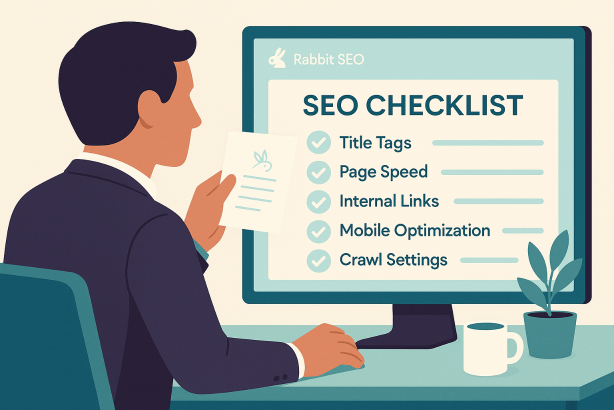
Commercial takeaway: if your team wants a more practical SEO workflow instead of another bloated platform, put Rabbit SEO on your shortlist and compare it against the tools you already use. The best investment is the one that helps you identify issues clearly, act on them consistently, and keep technical SEO moving forward.
Final thoughts on SEO tools
The best SEO tools for technical SEO are the ones that match your operating model. Search Console is essential. A specialist crawler is usually the core technical workhorse. A broader suite earns its place when you also need competitive research, reporting, rank tracking, and planning. Performance tools support speed diagnostics, but they do not replace full technical auditing.
If you choose SEO tools with that structure in mind, your stack will be leaner, more useful, and easier to defend commercially. Start with the recurring technical jobs your site actually needs, shortlist the platforms that solve them well, and buy for clarity and consistency rather than marketing noise.