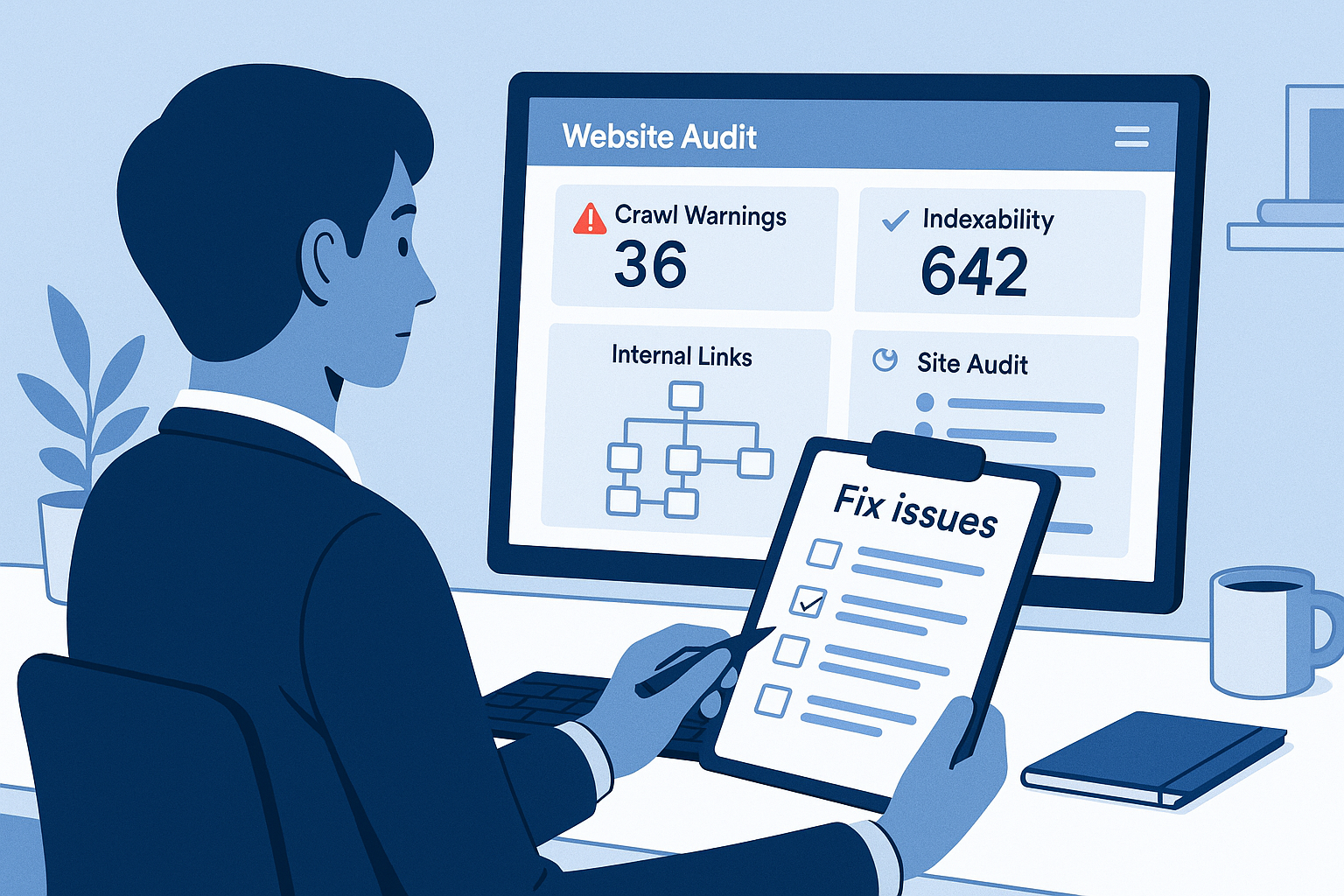

Choosing SEO audit software seems straightforward until the first report arrives. What looked like a simple way to improve rankings suddenly becomes a long list of warnings, duplicate labels, crawl errors, redirects, metadata issues, and pages that may or may not matter. Teams often assume the software will automatically reveal what to fix first. In practice, the quality of the outcome depends less on the volume of findings and more on how the audit is scoped, interpreted, and turned into action.
This tutorial covers the most common SEO audit software mistakes to avoid if you want cleaner audits, better prioritization, and stronger technical decisions. Whether you manage a small brochure site, a growing content hub, or a large ecommerce catalog, the same principle applies: a good audit should reduce confusion, not create more of it.
The best audits do three things well. They surface the right problems, tie those problems to page types and business goals, and make it easy for someone to implement the fixes. If your current process fails on any of those three points, the issue is not only the tool. It is the workflow around the tool.
Why teams get poor results from SEO audit software
A website audit tool can crawl, classify, and flag issues, but it cannot decide what matters most to your business without context. That is why many audits produce impressive-looking reports but weak outcomes. The crawl finishes, the report is exported, and nothing meaningful changes because the output was never translated into a prioritized plan.
Strong audits sit at the intersection of technical accuracy and editorial judgment. A useful technical SEO audit should account for page importance, templates, indexability, internal link structure, rendering behavior, and implementation constraints. If your software is generating noise, your first question should not be how to collect more data. It should be how to make the existing data more relevant.
| Mistake | Why it hurts | Better approach |
|---|---|---|
| Choosing based on dashboard appeal | You get attractive reports but weak crawl coverage | Evaluate crawl controls, segmentation, exports, and issue logic |
| Using default settings | Important pages or behaviors can be missed | Customize crawl scope, user agents, exclusions, and limits |
| Treating every alert as urgent | Teams waste time on low-impact fixes | Prioritize by traffic potential, page value, and implementation effort |
| Skipping indexability checks | Pages may be crawlable but not eligible to rank | Validate canonicals, directives, status codes, and rendering |
| Running one-off audits | New issues appear between audits without notice | Use recurring monitoring and ownership-based workflows |
10 SEO audit software mistakes to avoid
1. Choosing software for report volume instead of audit depth
One of the biggest mistakes is selecting SEO audit software because it produces a lot of charts, scores, and issue counts. Large reports feel comprehensive, but volume alone does not equal usefulness. If the crawler cannot properly handle JavaScript-heavy pages, parameter rules, pagination, canonicals, or custom exclusions, the report may look detailed while still missing important problems.
Before committing to any platform, look beyond the dashboard. Ask whether it helps you control crawl behavior, segment page types, understand issue logic, and export findings in a format your team can actually use. A strong audit platform should make diagnosis easier, not just reporting prettier.
- Look for: crawl configuration, custom segmentation, issue filtering, and export flexibility.
- Avoid: buying based only on summary scores or automated recommendations.
2. Running a technical SEO audit without a defined objective
A technical SEO audit without a specific goal quickly becomes a catch-all exercise. Are you auditing to improve indexation, clean up duplicate pages, diagnose traffic loss, support a migration, or prepare a content expansion? Each goal changes what matters most in the report.
When teams skip this step, they often chase whichever issue count is highest. That leads to reactive work rather than strategic fixes. For example, a large number of missing meta descriptions may look urgent, but if your real problem is non-indexable money pages, the audit focus is misplaced.
Start every crawl with a short written objective. Then choose the reports and filters that best support that goal. This one habit improves prioritization more than any feature toggle.
- Define the business problem first.
- Identify the page groups tied to that problem.
- Review issues through that lens instead of treating the entire site as one unit.
3. Leaving the default crawl settings untouched
Default settings are useful for a quick scan, but they are rarely enough for a serious audit. Sites differ in architecture, crawl traps, faceted navigation, staging remnants, localization, and rendering requirements. If you use the same settings for every domain, you will either miss important pages or waste resources crawling sections that should have been excluded.
This matters even more on larger sites where crawl budget and crawl efficiency become real concerns. If the software spends its limits on parameter-heavy URLs, session variants, or thin filter pages, your highest-value templates may receive only partial coverage.
Take time to configure crawl rules intentionally. Decide what should be included, excluded, limited, or rendered. That small setup investment usually produces a much cleaner audit.
- Set URL exclusions for low-value or duplicate sections.
- Review parameters and pagination behavior.
- Choose rendering options based on how the site actually loads content.
- Check whether blocked resources are affecting the crawl.
4. Ignoring indexability and rendering issues
Many teams stop at surface-level crawl findings and never validate whether important pages are actually indexable. This is a costly mistake. A page can return a 200 status and still be a poor SEO asset because of canonical conflicts, noindex directives, weak rendering, or blocked resources.
Indexability issues are especially easy to miss when reports are skimmed rather than investigated. For example, a page might be internally linked and technically reachable, but canonicalized elsewhere. Or essential content may load only after scripts execute, making the raw HTML look thin. In those cases, the page exists in the crawl but may still struggle to rank.
Use your software to inspect more than status codes. Review canonicals, robots directives, rendered content, hreflang behavior where relevant, and the relationship between discovery and eligibility. A crawl report should tell you not just whether a URL exists, but whether it has a fair chance to perform in search.
5. Auditing the entire site without segmenting page types
Audit reports become much more useful when you divide the site into meaningful groups. Blog posts, category pages, product pages, location pages, help articles, and utility pages all behave differently. If you review them together, issue counts become misleading and the fix list turns messy.
For example, a templated issue on thousands of product pages should be handled differently from a small number of editorial issues on cornerstone articles. Likewise, pagination rules that make sense for category pages may be irrelevant to service pages. Segmentation helps you see patterns, not just isolated alerts.
Create groups based on templates, site sections, or business value. Then review issues inside those groups. This makes it easier to estimate effort, assign ownership, and avoid over-generalized recommendations.
- Separate revenue-driving pages from support or utility pages.
- Review templates and page-level exceptions separately.
- Compare issue severity within each page type, not only sitewide.
6. Treating every issue as equally urgent
Most audit tools generate long issue inventories, but not every alert deserves the same level of attention. One of the fastest ways to stall progress is to hand a development or content team a flat list of hundreds of items with no prioritization. When everything is marked critical, nothing really is.
A better method is to rank findings by likely impact, affected page value, and ease of implementation. A small issue on high-intent landing pages may matter more than a large issue on archived blog content. Likewise, a fix that removes indexation blockers should usually come before cosmetic metadata cleanup.
Your internal site audit checklist should include a simple triage system. For example:
- High priority: pages blocked from indexing, broken canonicals, major crawl waste, internal links to dead pages.
- Medium priority: duplicate titles on important templates, thin category copy, structured data gaps where relevant.
- Low priority: minor metadata inconsistencies on low-value pages, image alt text gaps with limited search relevance.
Good audits create order. Great audits create execution order.
7. Skipping the internal linking audit
Some teams focus so heavily on status codes and metadata that they forget one of the most influential parts of site architecture: internal links. An internal linking audit helps you understand how authority, discovery, and context flow through the site. Without it, you can miss orphan pages, weak hub structures, overlinked utility pages, and important content buried too deep in the crawl.
Internal linking problems rarely show up as dramatic red errors, which is why they are often under-prioritized. Yet they can quietly limit rankings by making important pages harder to discover and less clearly connected to topical clusters.
Review link depth, orphan status, anchor relevance, and the relationship between navigational links and contextual links. If your best pages depend only on XML sitemaps or a few isolated references, the architecture needs attention.
- Find pages with strong value but weak internal support.
- Check for orphan URLs that should be part of the main structure.
- Strengthen contextual links between related content and commercial pages.
8. Looking only at templates and missing page-level on-page SEO issues
Template analysis is important, but it is not enough. Many audits correctly identify sitewide technical patterns while overlooking page-level relevance problems. That is where on-page SEO issues often hide: weak headings, mismatched search intent, duplicated supporting copy, missing internal references, or title tags that do not reflect the actual topic.
This matters because pages can be technically clean and still underperform. If a service page has a solid status code, a proper canonical, and acceptable load behavior but fails to clarify what it offers or how it differs from adjacent pages, the audit is incomplete.
Use software findings as a starting point, then manually review the most important pages. The goal is not just to detect errors but to confirm that the pages you want to rank are clear, unique, and well supported.
9. Treating SEO audit software as a one-time project
Audit work loses value when it happens only once or twice a year. Sites change constantly. New pages are published, redirects are added, templates are updated, plugins change behavior, and content teams create fresh opportunities for duplication or orphaning. A clean audit from three months ago does not guarantee a clean site today.
That is why recurring monitoring matters. Ongoing audits help you catch regressions early, especially after releases, migrations, taxonomy updates, or large content pushes. They also make it easier to measure whether previous fixes actually resolved the issue instead of moving it somewhere else.
Use baseline crawls, scheduled re-crawls, and issue trend reviews. A healthy process treats SEO as continuous maintenance rather than a periodic cleanup exercise.
10. Failing to connect audit findings to implementation and SEO reporting
The final and perhaps most common mistake is stopping at the report. An audit has no business value until someone owns the next step. If findings are not translated into tickets, grouped by team, and tracked through completion, the software becomes a reporting archive rather than an optimization system.
This is where SEO reporting should become operational, not decorative. Stakeholders do not only need to know how many issues were found. They need to know which ones were fixed, what remains blocked, who owns the work, and whether the affected pages are strategically important.
Every significant audit finding should answer four questions:
- What is the issue?
- Why does it matter?
- Which pages or templates are affected?
- Who is responsible for implementing the fix?
If your reports do not lead naturally into action, simplify the output until they do.
A practical workflow for using SEO audit software correctly
If you want better results from SEO audit software, use a repeatable workflow instead of starting from a blank slate each time. The process below works well for most sites because it balances technical depth with operational clarity.
- Step 1: Set the objective. Define whether the audit is meant to improve indexing, diagnose losses, support a launch, or clean up technical debt.
- Step 2: Configure the crawl. Adjust crawl limits, exclusions, rendering, parameters, and source lists based on the site structure.
- Step 3: Segment the site. Group URLs by page type, template, or commercial value so issue patterns become easier to interpret.
- Step 4: Review high-impact reports first. Start with status codes, directives, canonicals, orphan pages, internal links, and other issues that affect eligibility or discovery.
- Step 5: Validate strategically. Manually review a sample of high-value pages instead of relying only on automated labels.
- Step 6: Prioritize and assign. Convert findings into implementation-ready tasks with owners, deadlines, and expected outcomes.
- Step 7: Re-crawl and monitor. Confirm the fixes, watch for regressions, and refine the next audit scope based on what changed.
This approach turns the software from a scanner into a decision-making tool. That shift is where most of the real value comes from.
A quick site audit checklist before you trust the report
Before presenting findings to your team or clients, run through this short site audit checklist:
- Did the crawl include the sections that matter most?
- Were low-value parameters, duplicates, or staging paths excluded where appropriate?
- Have you separated templates and page types?
- Did you review indexability, not just crawlability?
- Did you inspect internal linking and orphan pages?
- Have you prioritized by business value and implementation effort?
- Are the recommendations clear enough to become tickets?
- Is there a follow-up crawl planned to verify the fixes?
If you cannot answer yes to most of those questions, the issue is probably not a lack of software. It is a lack of audit discipline.
Choose SEO audit software that helps you act, not just scan
The best SEO audit software is not the one that produces the longest issue list. It is the one that helps you find the right problems, organize them by importance, and move them efficiently into implementation. That is the standard to hold every audit against.
If you want a simpler way to monitor technical issues, review meaningful site health changes, and keep SEO work tied to action, take a closer look at Rabbit SEO. It is built to help teams stay on top of recurring issues without getting buried in noise, making it easier to turn audits into practical next steps.
In the end, avoiding mistakes with SEO audit software comes down to better judgment, better configuration, and better follow-through. Use the tool to create clarity, not clutter, and your audits will become far more valuable.